Leaving WordPress in Geneva: The Migration Guide
Has your website become a drag on your growth? In Geneva, many SMEs find themselves trapped by aging, slow, and vulnerable WordPress infrastructures. If you're wondering if it's time to leave WordPress Geneva, the answer lies in the radical evolution of web technologies. At Studio Dahu, we see dozens of platforms saturated with plugins, where every update feels like a game of Russian roulette. The web of 2026 no longer forgives technical amateurism: it demands speed, security, and an architecture designed for AI.
The limits of WordPress for Geneva-based companies
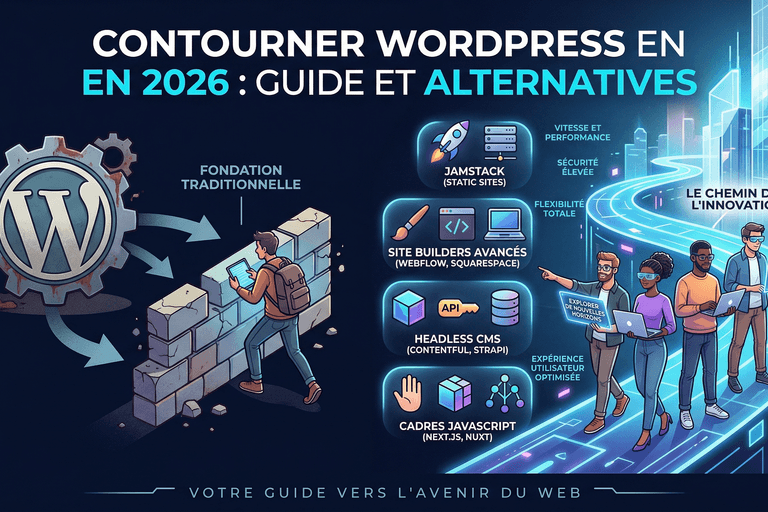
WordPress powers a large part of the web, that's a fact. But for a Geneva company aiming for excellence, this solution often becomes a glass ceiling. The major problem lies in its monolithic structure. Imagine a financial services firm or a watch manufacturer wanting to offer a seamless user experience. With WordPress, you stack layers of code (plugins, themes, scripts) that weigh down loading times, directly penalizing your SEO in Geneva.
Maintenance is another critical point. We find that the hidden cost of monitoring a WordPress site often exceeds the initial creation price. Between security flaws in third-party extensions and PHP version incompatibilities, your team wastes precious time. Leaving WordPress Geneva is, above all, choosing to regain control over your digital work tool.
Pro Tip: A site that takes more than 3 seconds to load loses an average of 40% of its visitors. On WordPress, reaching 100/100 on Google PageSpeed is a constant battle. On Next.js, it's our default standard.
Why leave WordPress Geneva for Payload CMS?
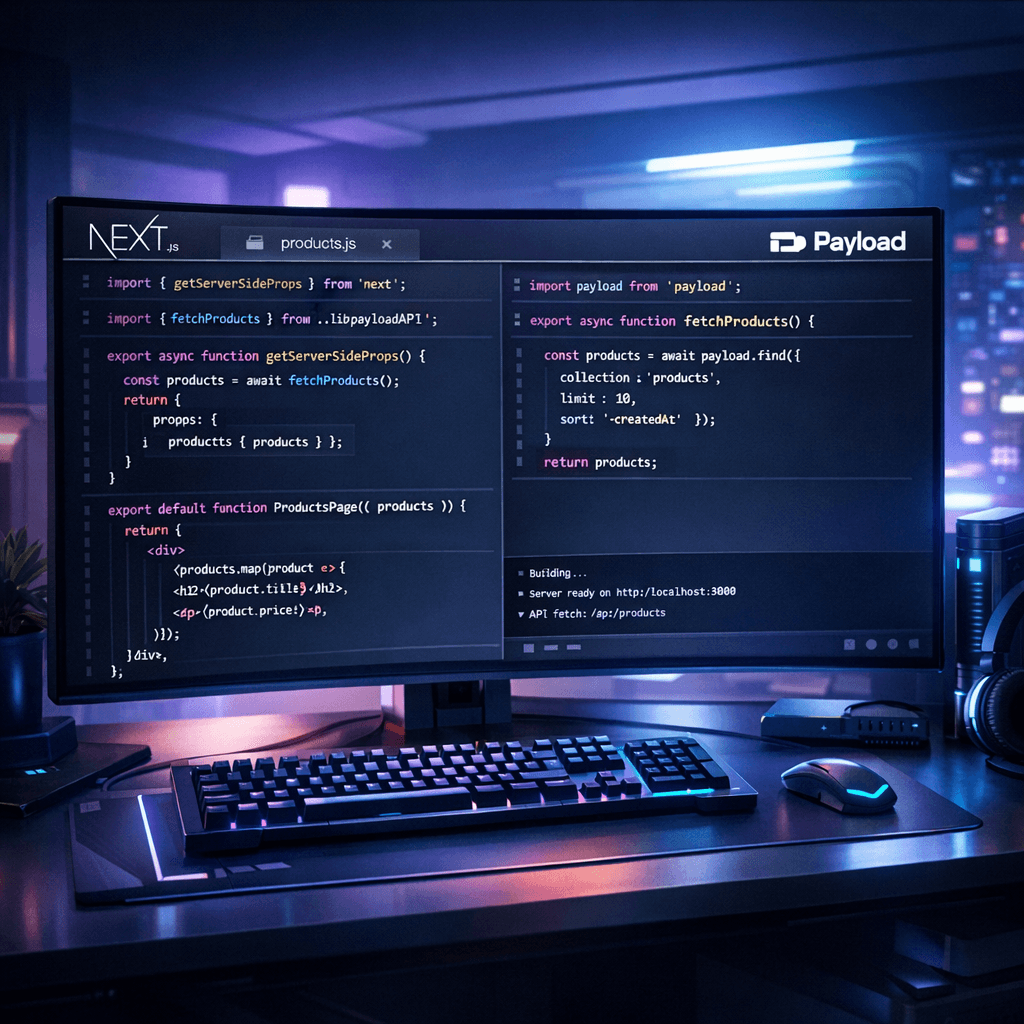
The real alternative lies in 'Headless' architecture. Unlike WordPress, where administration and display are fused, Headless separates the two. At Studio Dahu, we've made Payload CMS and Next.js our preferred stack. Why? Because Payload is a modern, TypeScript-based CMS that offers total flexibility to developers while remaining refreshingly simple for content editors.
Payload CMS vs WordPress: The technical matchup
- Security: No directly exposed database, reducing SQL injection risks by 99%.
- Performance: Ultra-fast static page generation thanks to Next.js.
- Scalability: Your site can handle massive traffic spikes without slowing down.
- Editorial Experience: A clean interface, without the intrusive ads and notifications of the WordPress dashboard.
By consulting our 10 reasons to leave WordPress for Next.js and Payload, you will understand that this is not just a software change, but a strategic upgrade. For an SME, it's the assurance of having a tool that evolves with its needs, without ever being blocked by a recalcitrant plugin update.
Next.js Performance and GEO: The Future of SEO
Search engine optimization is no longer limited to keyword insertion. We are entering the era of GEO (Generative Engine Optimization). Search engines like Google now use AI to synthesize answers. If your code is clean and your data structured, you're a step ahead. Leaving WordPress Geneva allows you to implement rich data architectures that search engines love.
Thanks to our expertise in SEO automation and Schema.org, we prepare your site to be the source of truth for generative AIs. A Next.js site is natively more readable for indexing robots. Server-Side Rendering (SSR) ensures that every millisecond counts in your favor.
Did you know? Switching to Headless often halves the advertising budget (Google Ads) because landing page quality scores skyrocket thanks to technical performance.
Total Cost of Ownership (TCO) over 5 years
The main argument against custom-built is often the initial price. But let's look at the numbers in the long term. Imagine a company spending 5,000 CHF for a WordPress site. Over 5 years, they will have to add monthly maintenance fees, premium plugin licenses, emergency interventions after a hack, and probably a complete overhaul because the system will have become obsolete. The total cost explodes.
By choosing a Headless solution at Studio Dahu, the initial investment is higher, but recurring costs are drastically reduced. No heavy security maintenance, no useless licenses, and guaranteed technical longevity for a decade. Custom-built is not a luxury, it's a profitable strategic choice for any serious business.
How to succeed in your technical migration?
Migrating away from WordPress shouldn't be improvised. Our process at Studio Dahu is rigorous to ensure no SEO juice is lost along the way. We start with a full audit of your current structure to map your content to a new, clean data architecture in Payload CMS.
Key steps for a successful migration
- Content Audit and Inventory: Identifying what performs well and what needs to be removed.
- Data Architecture Design: Creating custom collections in Payload.
- Next.js Frontend Development: Pixel-perfect design optimized for conversion.
- 301 Redirection Plan: Strict protection of your search engine authority.
- Performance Testing: Core Web Vitals validation before going live.
Leaving WordPress Geneva is a qualitative leap. It's moving from a 'tinkered' site to a true enterprise-grade web application. Whether you're a startup or an established institution, this transition is the ideal time to rethink your global digital strategy.
The Studio Dahu Advantage: Innovation Serving French-speaking Switzerland
Why trust us? Because we don't just follow trends, we anticipate them. Where most local agencies will sell you a pre-built WordPress theme, we build your competitive advantage for tomorrow. Our mastery of Next.js and AI allows us to create tools that don't just display text, but automate your business processes.
If you're still hesitating, we invite you to estimate your project via our intelligent tool. We analyze your real needs to propose a solution that isn't limited to a simple website, but becomes a real growth engine for your business in Geneva and beyond.
Frequently Asked Questions
Is it difficult to manage a site without WordPress?
Not at all. With Payload CMS, the admin interface is more intuitive and faster than WordPress's. You manage your text and images without being cluttered by technical notifications.
Will I lose my Google ranking by changing systems?
On the contrary. A well-managed migration with 301 redirects and increased technical performance (Next.js) generally boosts your search result positions.
How long does a migration from WordPress to Next.js take?
It depends on the complexity, but an average project takes between 4 and 8 weeks, including auditing, custom design, and data integration.
Is the cost really higher?
The initial investment is higher than a standard WordPress site, but the total cost over 5 years is often lower due to the drastic reduction in maintenance and security costs.