ls, grep, cp: Linux arrives natively on Windows
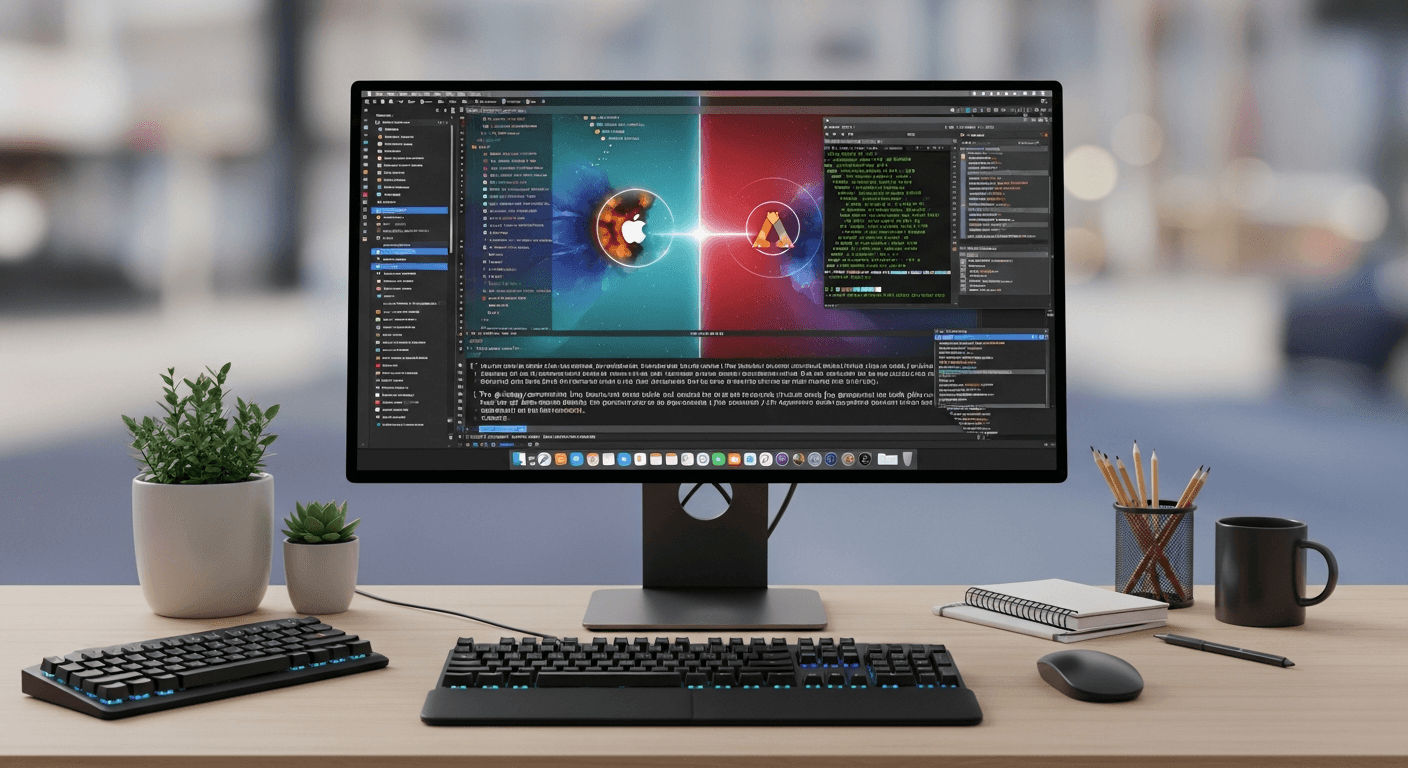
Type 'ls' into an unconfigured Windows command prompt, and you'll encounter one of the most dreaded errors for developers navigating between different operating systems: a red message indicating the command cannot be found. This simple muscle reflex, shared by millions of tech professionals, previously required installing third-party tools, complex aliases, or entire subsystems. But on June 2 last, during the Build 2026 conference, a major paradigm shift was made official. By deploying a specific package called Coreutils for Windows, the Redmond firm put an end to a historic boundary between two software worlds long opposed.
This announcement marks the culmination of an openness strategy initiated several years ago. By offering utilities like ls, grep, cp: Microsoft is bringing Linux commands natively into Windows, without resorting to heavy virtualization solutions. No more hacks just to search for a character string in a text file or copy a folder with the same arguments as on a remote server. This article deciphers why this strategic choice will simplify the daily lives of digital agencies, the technical challenges it entails, and the current limits of this integration.
The end of an era: the launch of Coreutils at Build 2026
A much-anticipated announcement by the ecosystem
Microsoft's Build conference is traditionally the stage for announcements aimed at wooing the developer community. The 2026 edition was no exception, with a presentation that sparked a silent standing ovation on social media. The publisher announced the native integration of GNU Coreutils directly within future versions of its operating system, making these commands accessible from installation, on par with historical DOS commands.
What is most surprising is not so much the arrival of these tools, but the way they have been implemented. Unlike the era when developers had to install Git Bash, MSYS2, or Cygwin, these binaries are now compiled to run directly on the Windows kernel. When doing custom development in Geneva within an agency like Studio Dahu, the time saved on configuring local environments for new hires is an immediate competitive advantage.
The flagship utilities now native
The Coreutils for Windows package doesn't stop at basic functions. It carries a complete suite of text manipulation and file management tools that have made the POSIX environment successful.
- ls: To list directory contents with the famous -la or -h flags.
- grep: The regular expression search tool, indispensable for sifting through logs.
- cp and mv: For copying and moving files with universal syntax.
- awk and sed: For advanced processing and manipulation of complex text streams.
- cat, tail, and head: For reading and monitoring files in real time.
Pro Tip: The native use of tail -f under Windows will revolutionize the way frontend and backend developers monitor the activity of their local servers, without having to open PowerShell and memorize the equivalent Get-Content -Wait.
Why ls, grep, cp: Microsoft is bringing Linux commands natively into Windows
Pragmatism in the face of Linux's server-side dominance
If Windows remains overwhelmingly dominant in the enterprise desktop market, the reality of cloud infrastructure is quite different. The crushing majority of web servers, Docker containers, and continuous integration environments run on Linux distributions. Microsoft, which has become one of the largest open-source contributors in the world and owner of GitHub, knows that its users must interact daily with this ecosystem. It had become untenable to impose constant mental gymnastics between two diametrically opposed syntaxes.
In this context, the topic ls, grep, cp: Microsoft is bringing Linux commands natively into Windows takes on its full meaning. It is a massive seduction operation to prevent web developers from systematically migrating to macOS, which has offered a certified UNIX terminal natively for two decades. By standardizing the command line, Microsoft makes its OS a versatile and uncompromising workstation.
The logical continuation after WSL's success
The arrival of these native utilities did not appear overnight. It is the natural evolution of the architecture introduced by the Windows Subsystem for Linux (WSL). However, WSL2 requires running a lightweight virtual machine with a real Linux kernel. Although very performant, this implies a separation of file systems and sometimes local network latencies between the Windows host and the Linux guest.
Coreutils for Windows addresses a different need: the fast and native manipulation of Windows system files from the Command Prompt (cmd.exe) or PowerShell, without having to invoke WSL. It is the missing piece for those who want the power of Bash syntax while directly manipulating their user directories under C:\Users.
How does this technical integration work?
Native binaries, not virtualization
The technical feat behind this announcement lies in the compilation of the tools. Rather than creating an emulator, engineers worked to port the source code of GNU utilities by managing system calls (syscalls) specific to the Win32 API. This means that when you type 'grep' in your terminal in 2026, the grep.exe executable launches instantly, with text processing performance that rivals the OS's built-in tools.
For task automation or the creation of intelligent pipelines, a central topic in our AI & Automation in Geneva projects, being able to use the same utilities on the cloud server and on the workstation avoids many costly syntax errors. Scripts can finally be truly agnostic regarding the operating system.
The challenge of paths and system permissions
The main challenge of such integration concerns the fundamental structural differences between the two worlds. Linux uses the slash (/) as a directory separator, while Windows uses the backslash (\). Moreover, permission management (the famous chmod and chown under UNIX) does not correspond at all to the complex Access Control Lists (ACLs) of Windows NT.
Microsoft has integrated a transparent translation layer into these new native commands. For example, the `ls -l` command will display emulated permissions based on the file's ACLs, offering familiar reading for system administrators while respecting the security inherent to the host system. File paths are also understood indifferently, whether one uses a slash or a backslash, which eliminates one of the greatest frustrations of cross-platform scripts.
The concrete impacts for development teams
The unification of build and CI/CD scripts
Imagine a company deploying a complex interface. As explained in our guide on custom dashboard development for SMEs, the fluidity between the creation environment and the production environment is essential for quickly delivering iterations. Historically, a Node.js project's package.json file often had to call upon libraries like 'cross-env' or 'rimraf' to ensure that cleaning or copying commands worked on the Windows machines of developers.
With this update, the dependency on these compatibility libraries disappears. A simple script containing `rm -rf dist/ && cp -r src/assets dist/` will now run perfectly on every team member's computer, regardless of their preferred system. This is a drastic reduction in the cognitive load related to tooling.
A softened learning curve for juniors
In the digital industry, training new talents passes almost exclusively through learning open-source standards. Tutorials, official framework documentation, and help forums like StackOverflow almost always presuppose access to a Unix-like environment. By making these commands accessible by default, Microsoft allows students and junior developers to follow these educational resources to the letter on their machine, thus reducing initial friction and further democratizing access to coding professions.
What are the limits of Coreutils for Windows?
What this integration does not replace
Despite this spectacular advance, it is crucial to understand that this package does not transform Windows into a Linux distribution. The integrated commands are isolated utilities. The global system architecture remains the same. PowerShell remains the tool of choice for in-depth administration to manipulate .NET objects, the system registry, or Active Directory. The imported Linux commands mainly manipulate plain text, which differs from PowerShell's object-oriented philosophy.
- No package management: Coreutils does not replace APT or DNF. To install software, you must still use Winget or Chocolatey.
- Encoding limitations: Windows historically uses UTF-16 for many internal elements, where Linux expects pure UTF-8. Subtle conversions operate in the background.
- No direct Linux kernel: If you need to run native containers or software requiring specific kernel features (like eBPF), WSL2 remains mandatory.
The management of preexisting aliases
Another point of vigilance concerns alias conflicts in PowerShell. For years, PowerShell integrated a basic alias mapping 'ls' to 'Get-ChildItem'. This fake behavior often fooled users because the alias did not accept traditional Linux arguments (like -la). The installation of the new native component fortunately takes precedence over these obsolete old aliases, restoring the true behavior to the utilities. However, PowerShell scripts that mistakenly relied on these aliases may need to be audited by DevOps teams.
Toward a universal workspace
In the end, the integration of terminal classics at the heart of Redmond's OS is much more than a simple technical convenience. It is the admission of a global standardization around the POSIX text interface. By accepting that the developer's work tool should not be an ideological battlefield, the publisher has made a pragmatic choice that will benefit the entire industry.
At Studio Dahu, we see this evolution as excellent news for the interoperability of production tools. Less time spent configuring and debugging local environments means more resources dedicated to value creation and innovation for our clients. If the black screen filled with raw text lines has always intimidated you, know that in 2026, it has never been so universal, accessible, and powerful.
Frequently asked questions
What is Coreutils for Windows announced at Build 2026?
It is an official software package allowing native execution of Linux command-line utilities (like ls, grep, cp, mv) directly in Command Prompt or PowerShell, without virtualization.
Is it still necessary to install WSL to use commands like ls or grep?
No. Although WSL remains indispensable for running a complete Linux kernel or containers, Coreutils for Windows allows using basic utilities directly on Windows files.
Will Linux commands replace PowerShell?
Absolutely not. PowerShell remains the preferred tool for deep system administration and .NET object manipulation. Linux utilities are added for classic file and text manipulation.
How does this novelty help development agencies?
It allows using the same build and deployment scripts (CI/CD) on production servers (Linux) and local workstations (Windows), thus reducing errors and configuration time.